
Use Browser Extensions to get image with a single click!
Enter each URL on a separate line:
Google Maps Image Downloader Browser Extensions
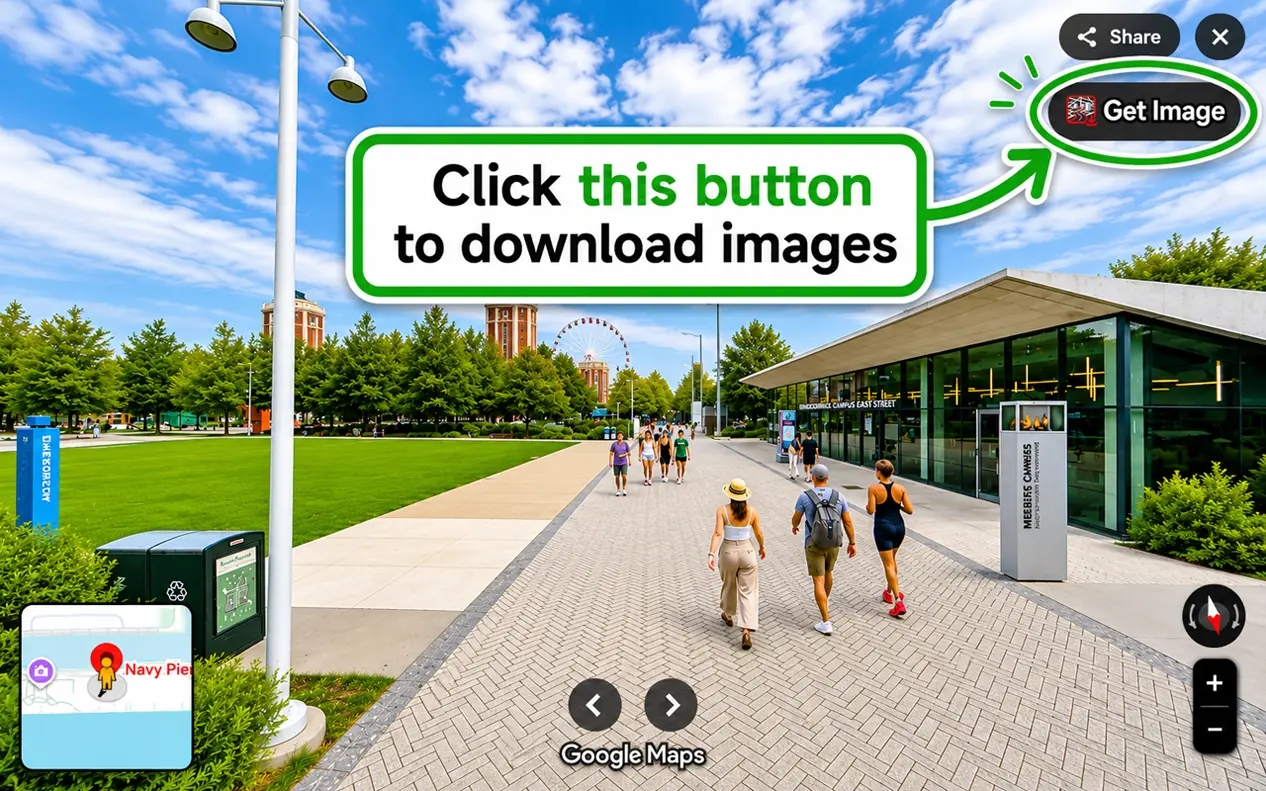
Browser extensions are small scripts that add various features to browsers. Our extension adds a convenient "Get Image" button directly on Google Maps pages, making it effortless to grab high-quality place photos and Street View panoramas in one click. A browser extension generally consists of plain HTML, JavaScript and CSS code.
If you use mozilla.org as a source for Firefox and the Chrome Web Store for Chrome, it will be more secure for you. All extensions from these stores are checked and approved manually for security reasons.
Features of our extensions:- Safe to install from mozilla.org or Chrome Web Store.
- Very small script (less than 160 kb) — lightweight and fast.
- Instant access to all Google Maps images with a single click while browsing.
1. Google Maps Image Downloader Firefox Addon
If you are using Firefox, you can add this extension to your browser. While browsing Google Maps, this addon places a small download button on the page. Clicking it sends the current Maps URL to DownloadMapImage.com and immediately extracts all available images for you to save.
2. Google Maps Image Downloader Chrome Extension
If your favorite browser is Chrome, choose this option. It works exactly like the Firefox addon — placing a download button on Google Maps pages so you can instantly grab any photo or Street View panorama. Click the button below to add this extension to your Chrome browser.
3. Google Maps Image Downloader Edge Add-on
If you use Microsoft Edge, you can add this extension from the Edge Add-ons store. It works exactly the same as the Chrome and Firefox versions — adding a download button on Google Maps pages so you can instantly grab any photo or Street View panorama.
4. Google Maps Image Downloader Toolbar Button (bookmarklet)
If you prefer not to install a browser extension, we offer an alternative: a bookmarklet button.
It lives on your bookmarks toolbar. While viewing any Google Maps image or Street View, click it to open the download page instantly.
To add it, simply drag and drop the button below to your toolbar. That's it 🙂 Your bookmarklet is ready to use.
» In Firefox: right-click on the tab bar, hover over Bookmarks Toolbar and choose Always Show.
» In Chrome: click the settings button (⋮), hover over Bookmarks and choose Show bookmarks bar.
Now you can drag and drop the bookmarklet button above onto the toolbar.
Keep in mind that all browser extensions and the bookmarklet work as expected only when you are viewing a Google Maps image or Street View page. If no valid image found! It looks like you entered a location URL instead of an image URL. Please open the image in full size first (important), then click "Get image" again.
Enjoy downloading map images! 🙂